N-EMU
Retro gaming on your phone. Rediscover the games you remember.
N-EMU is currently in testing. Some games may fail to run or have graphics or audio problems. We cannot guarantee that every game will run correctly.
Download
Install the iOS app from the App Store and the Android app from Google Play.


App preview
Phone
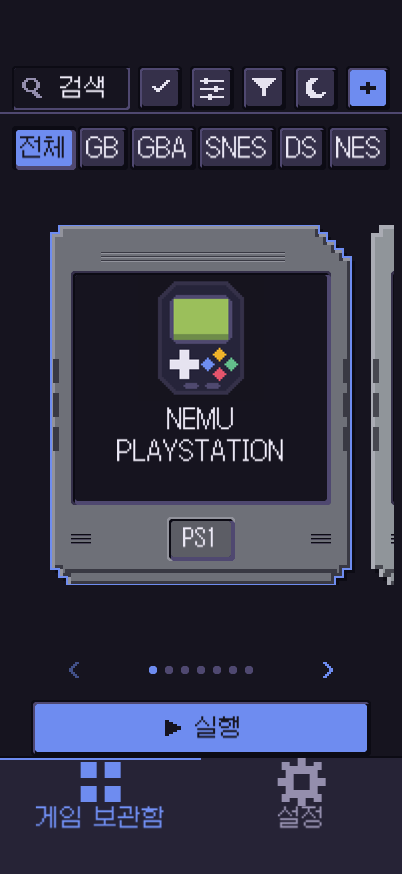
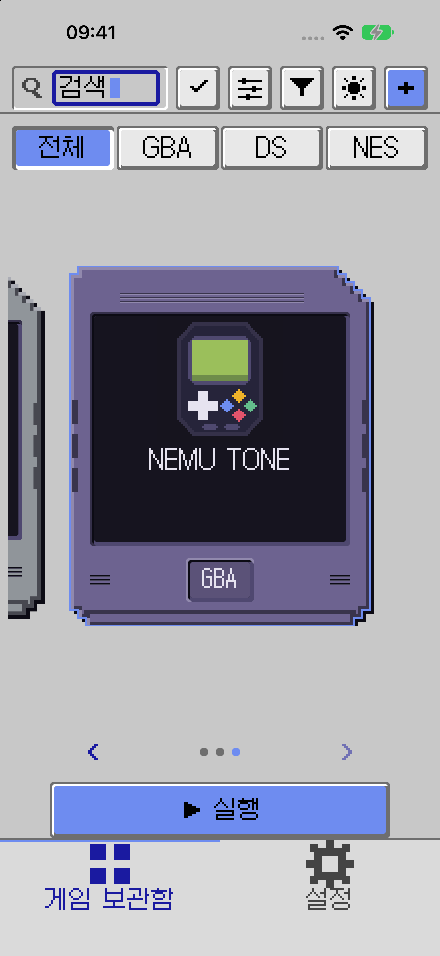
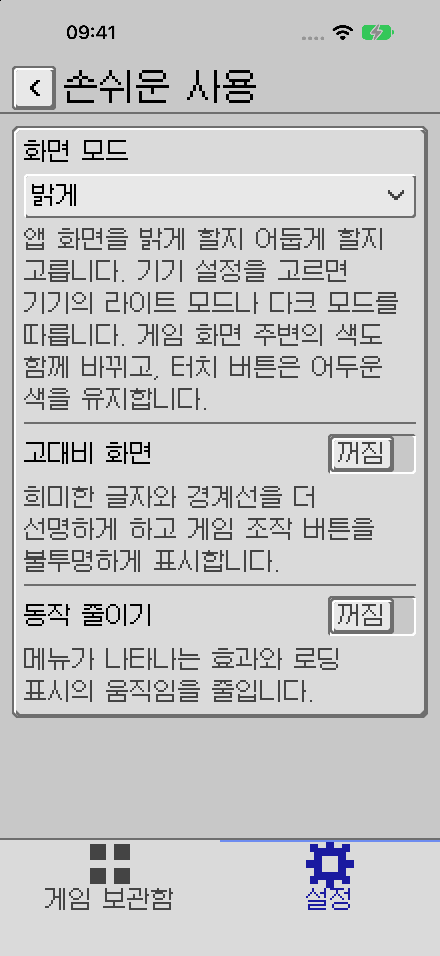
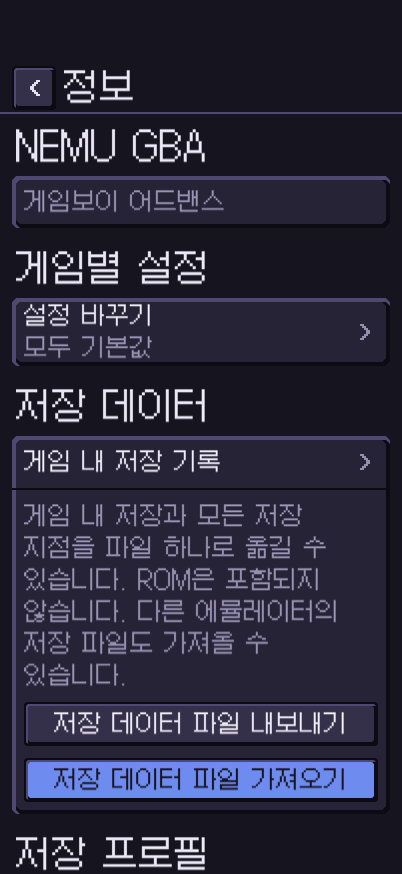
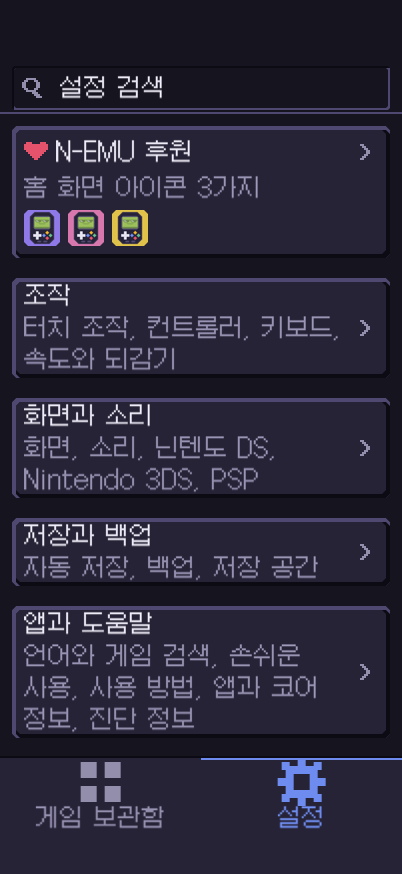
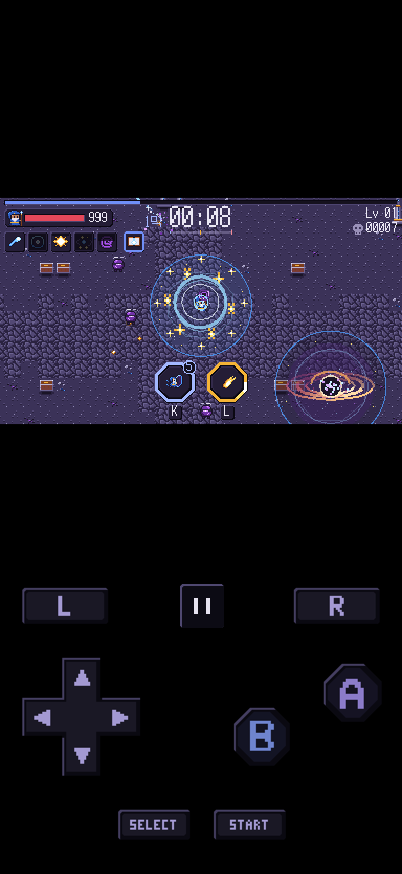
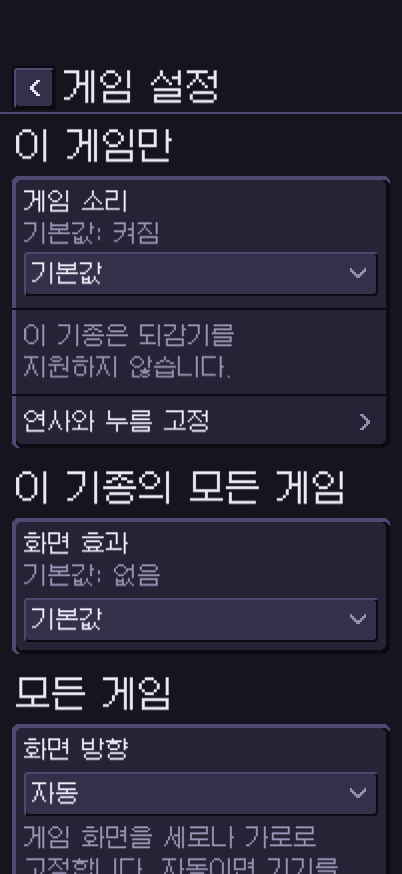
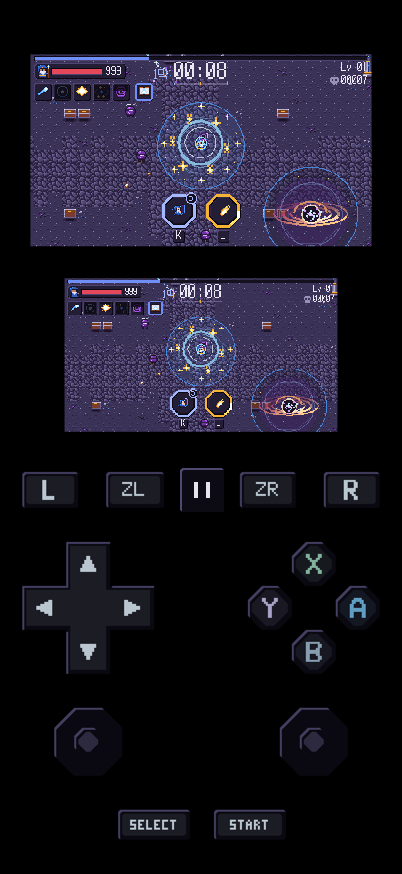
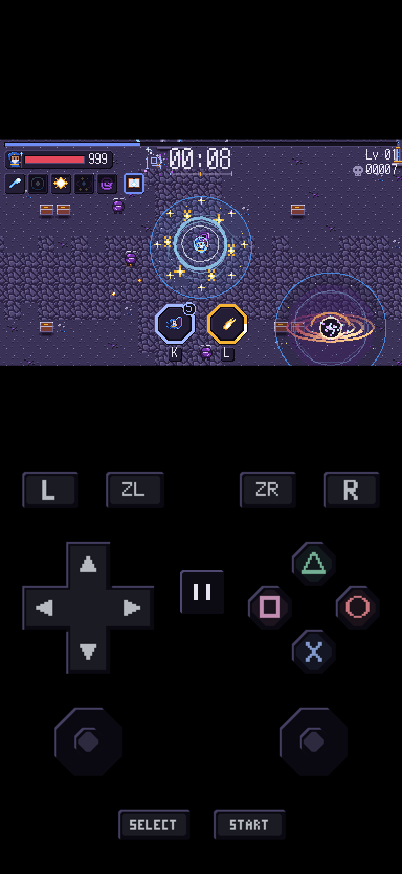
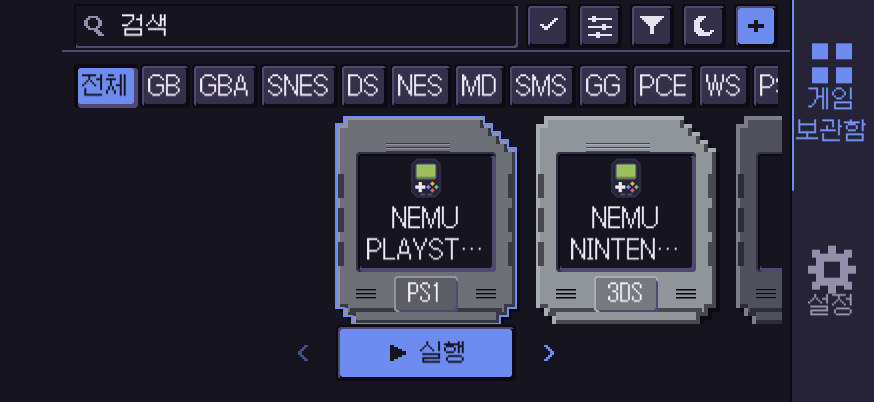
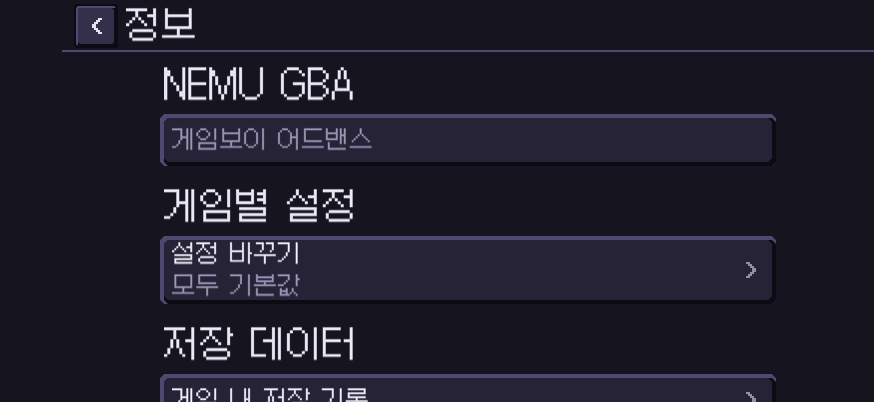
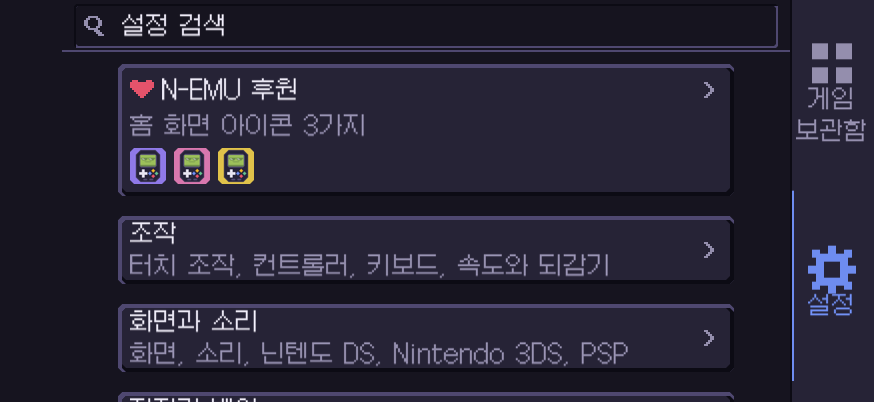
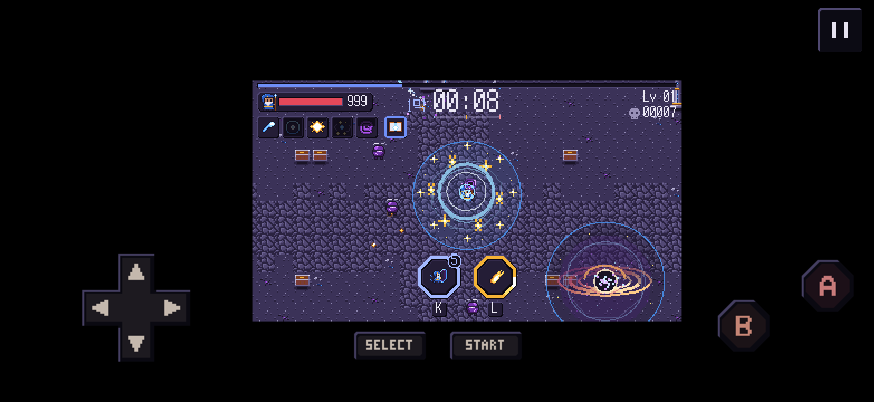
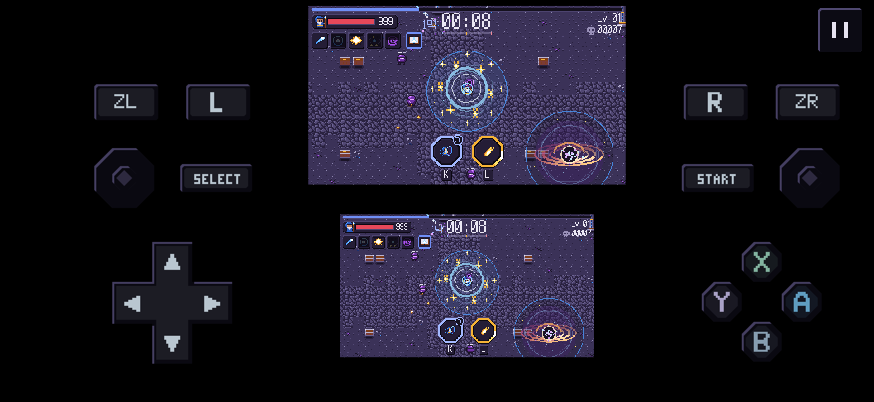
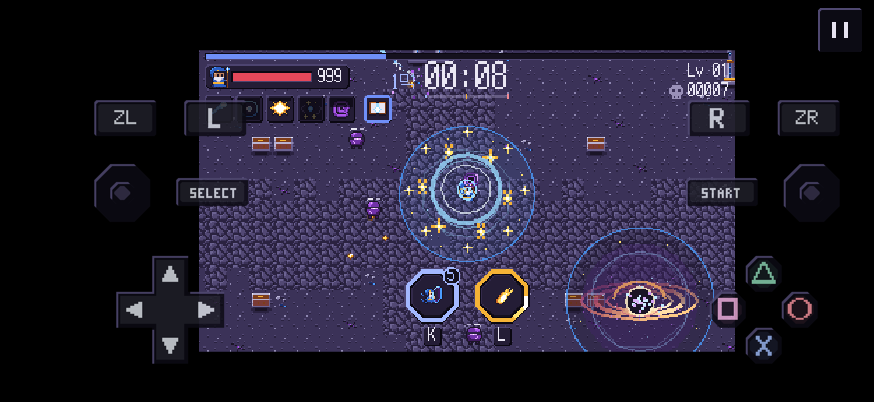
iPhone Duo
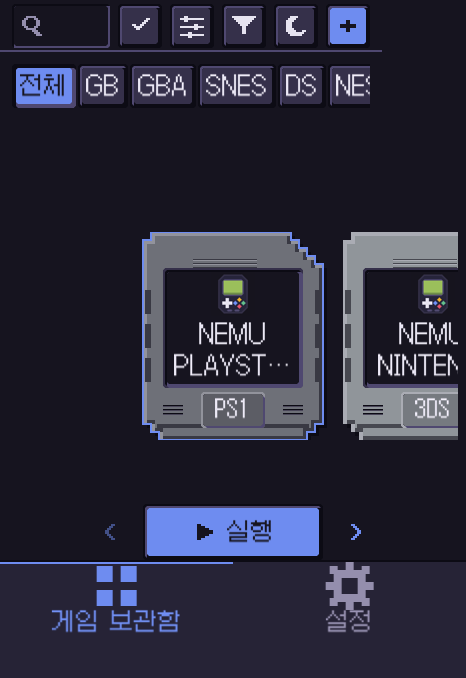
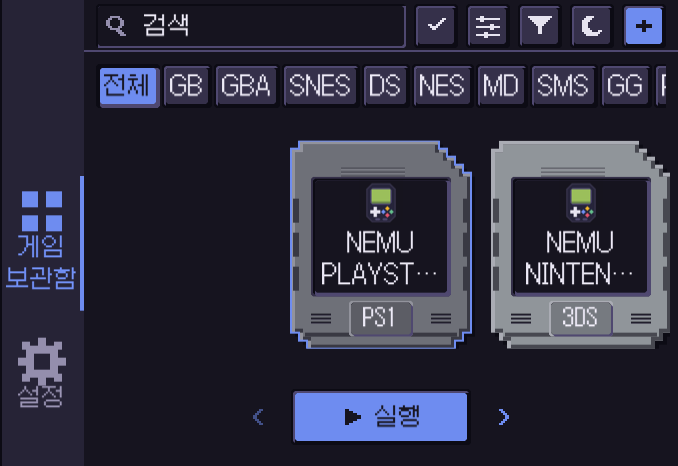
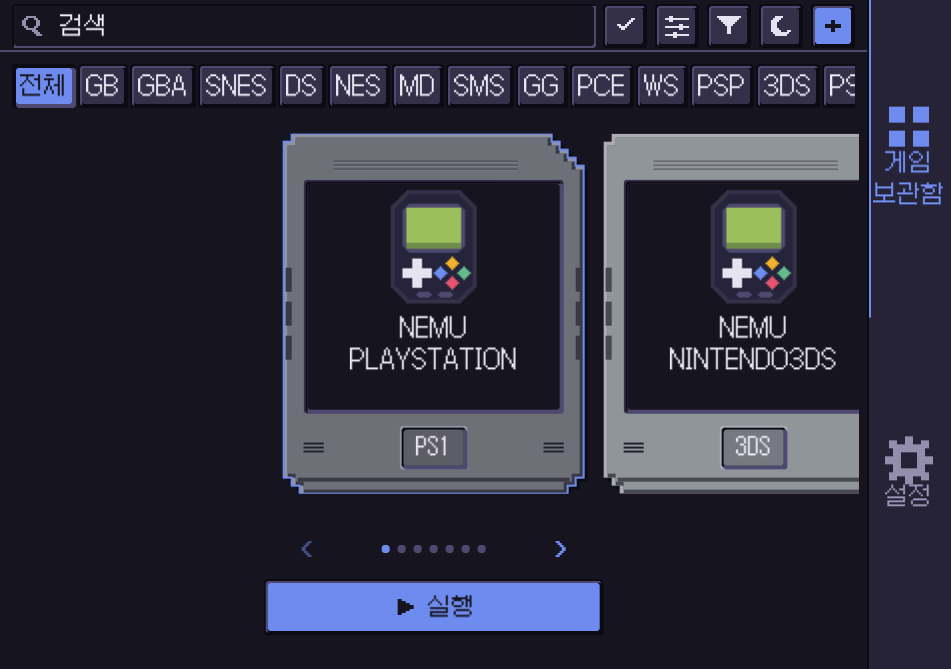
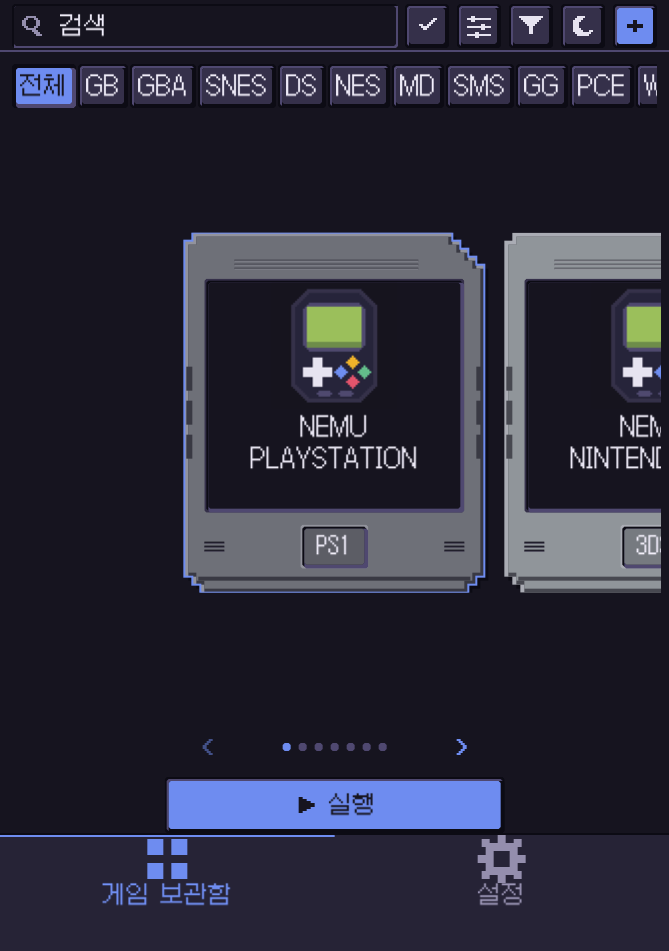
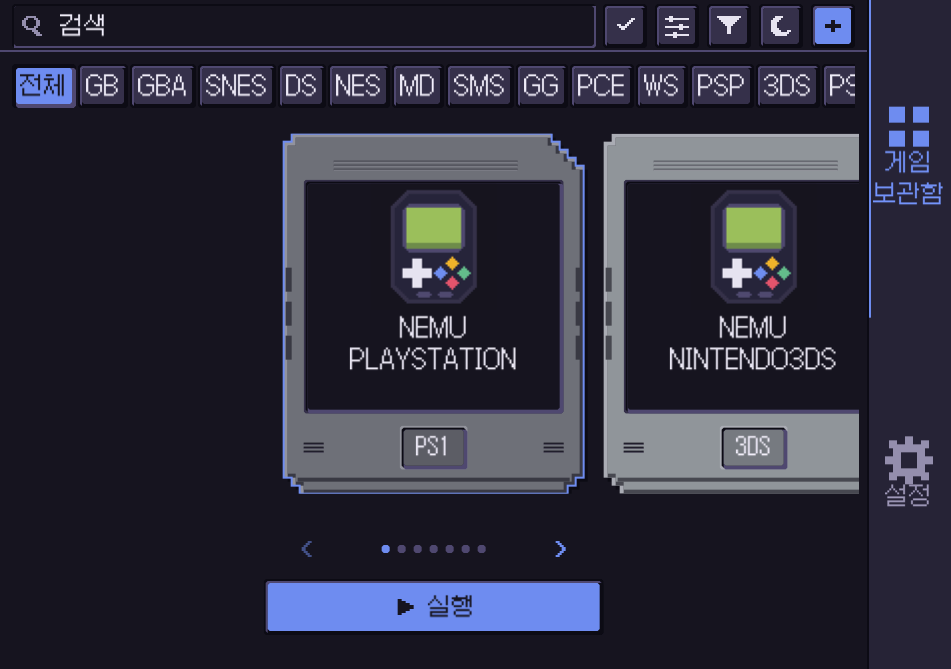
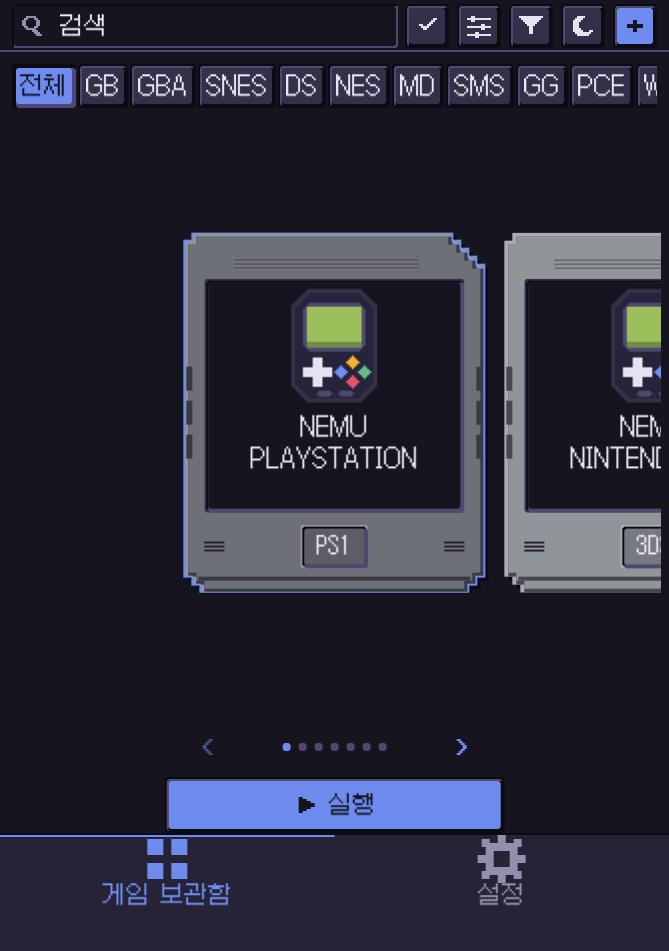
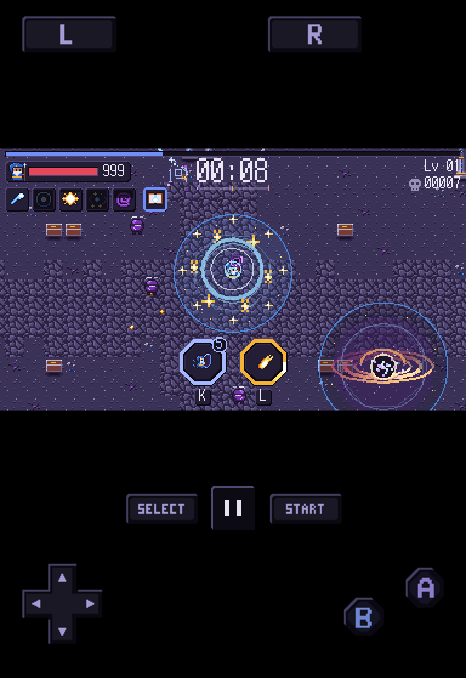
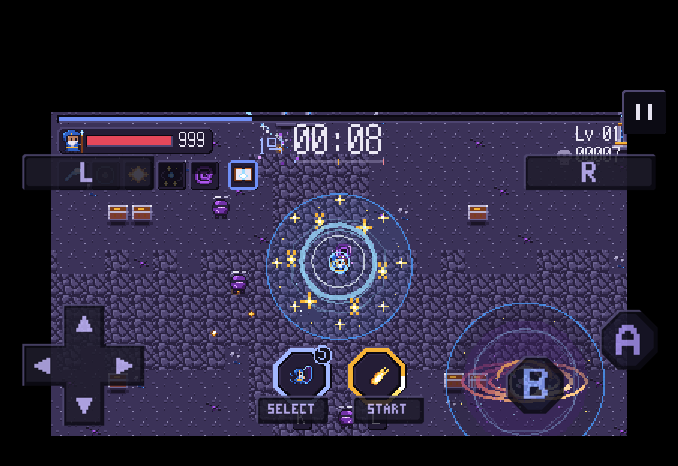
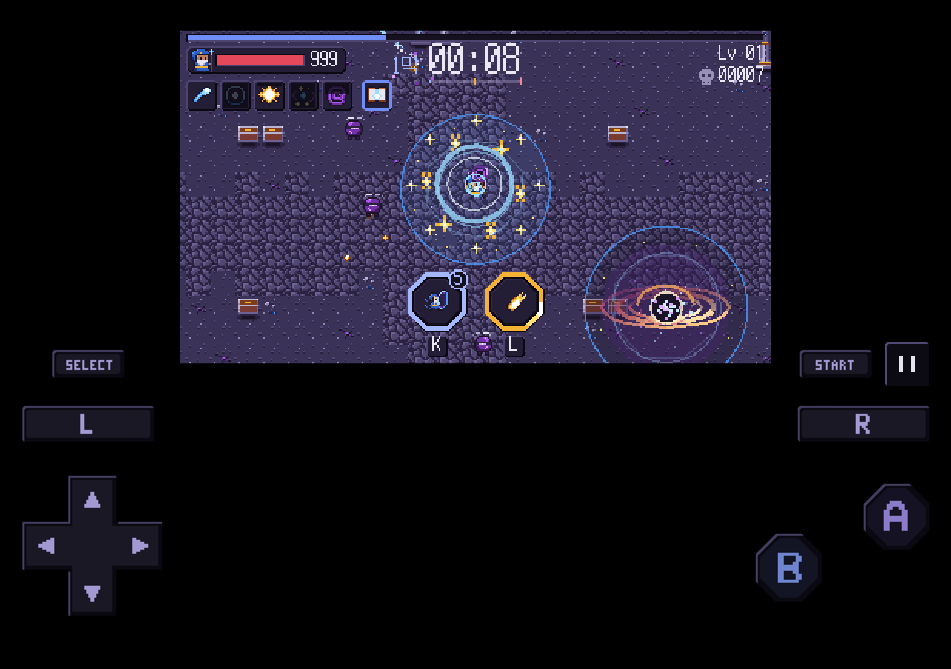
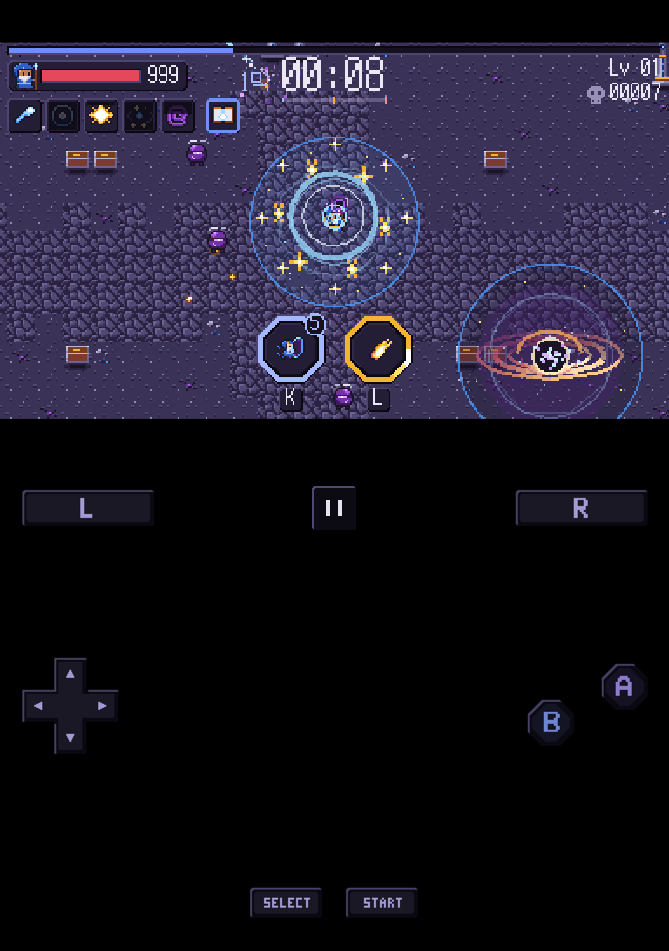
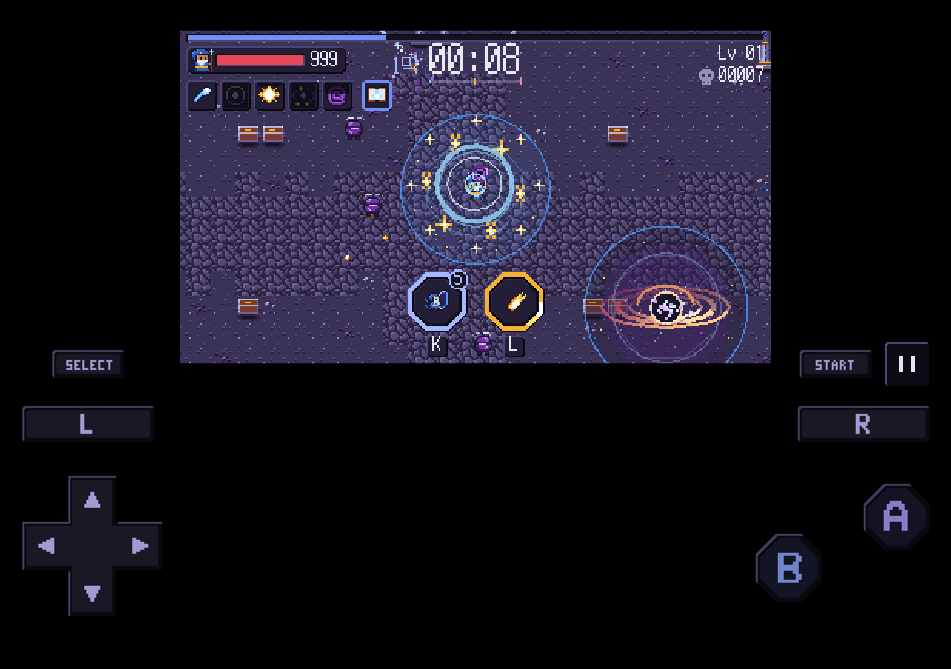
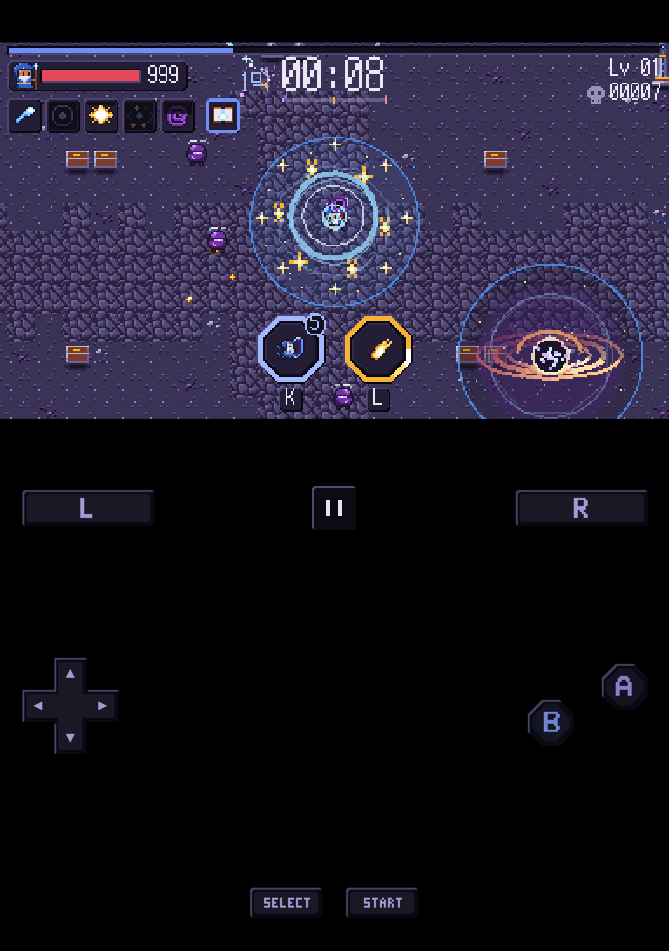
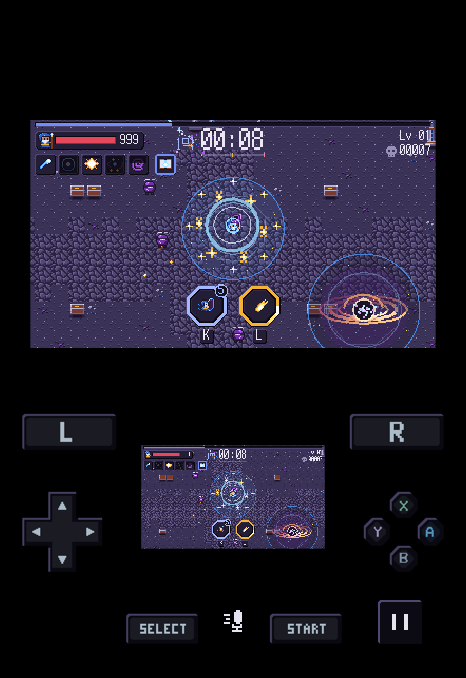
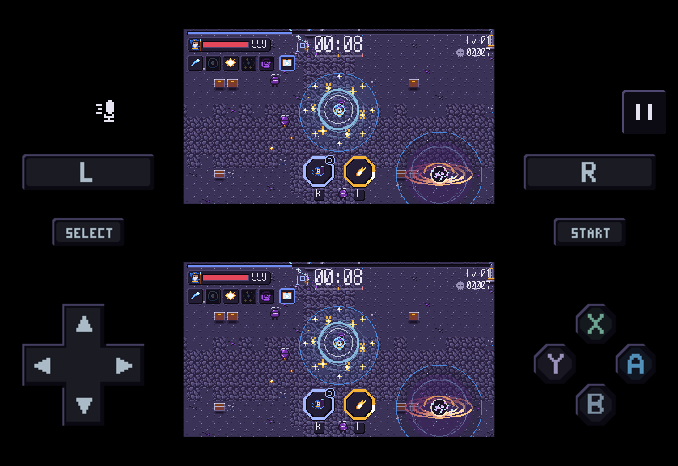
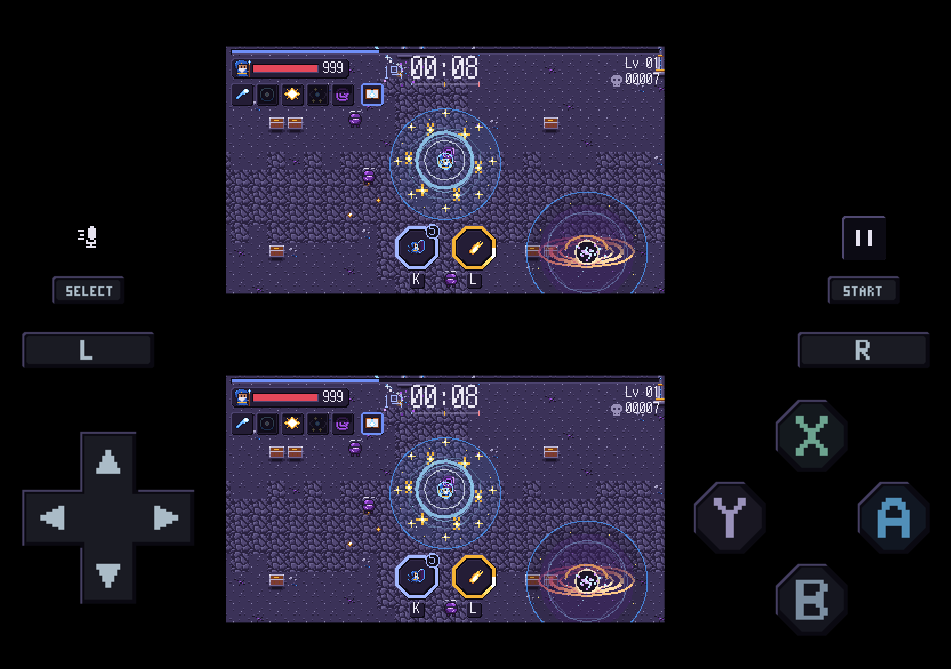
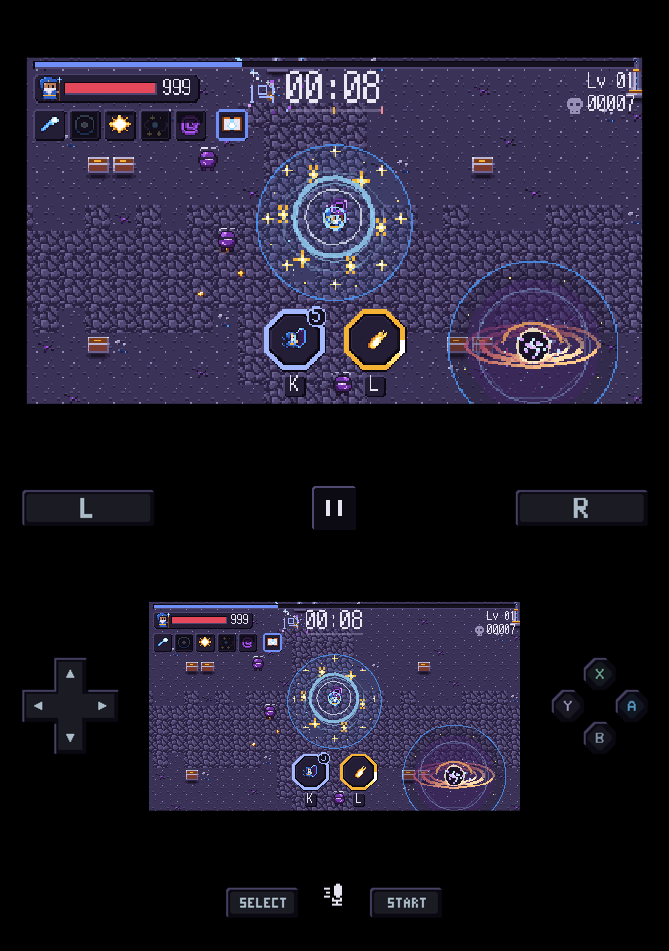
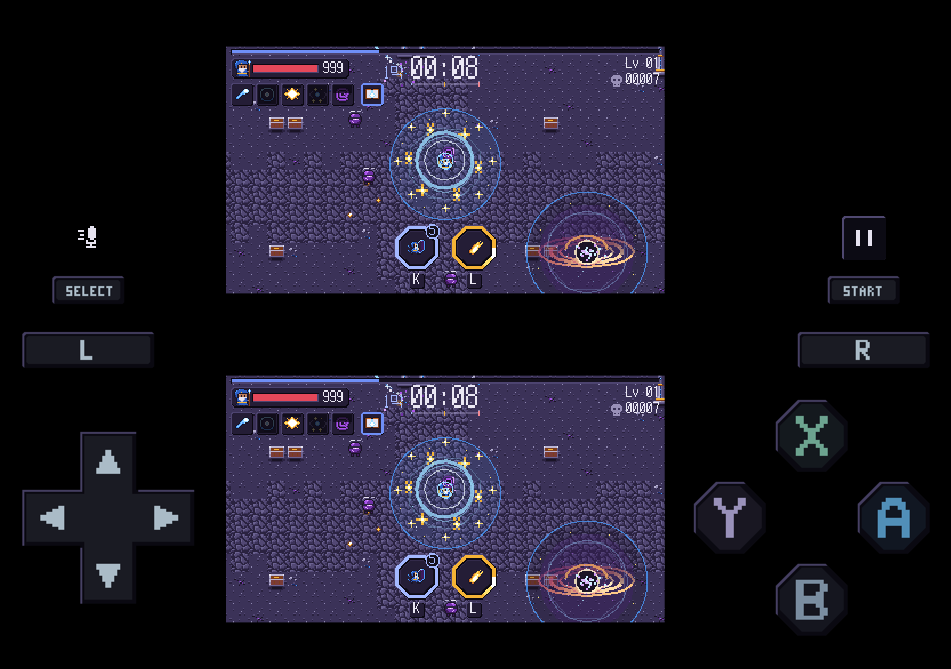
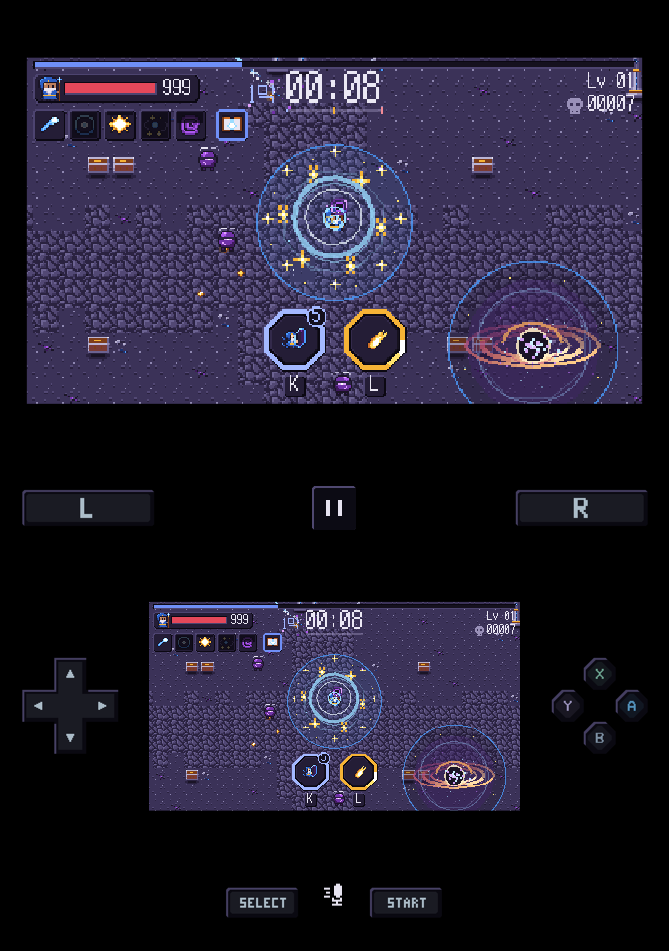
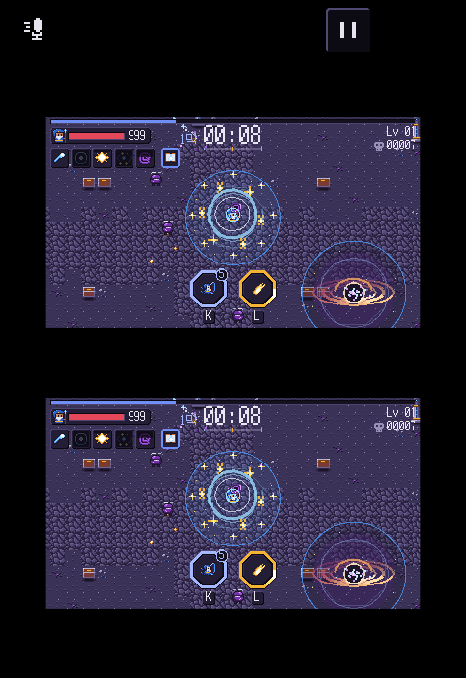
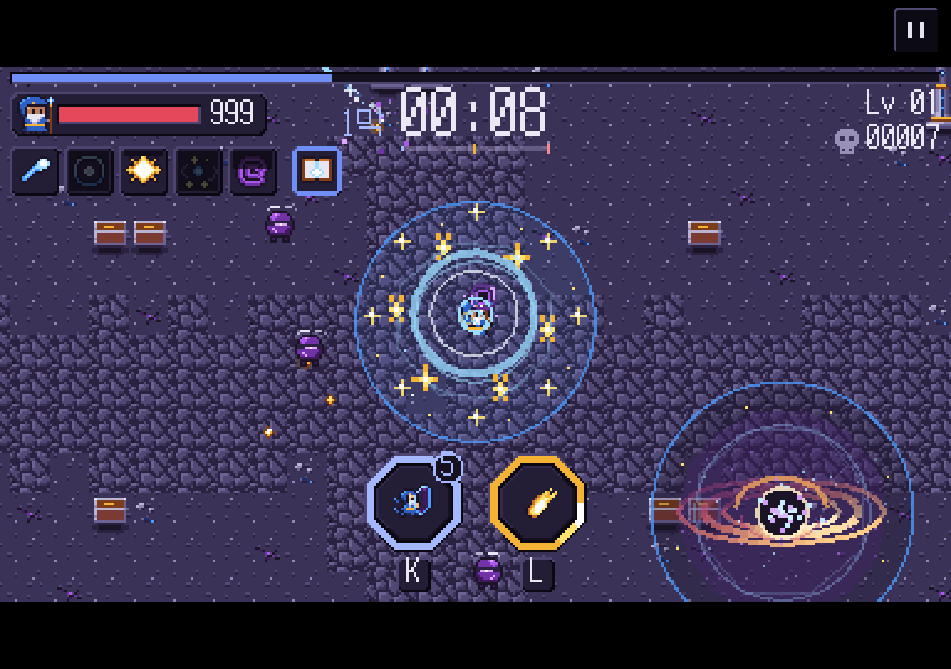
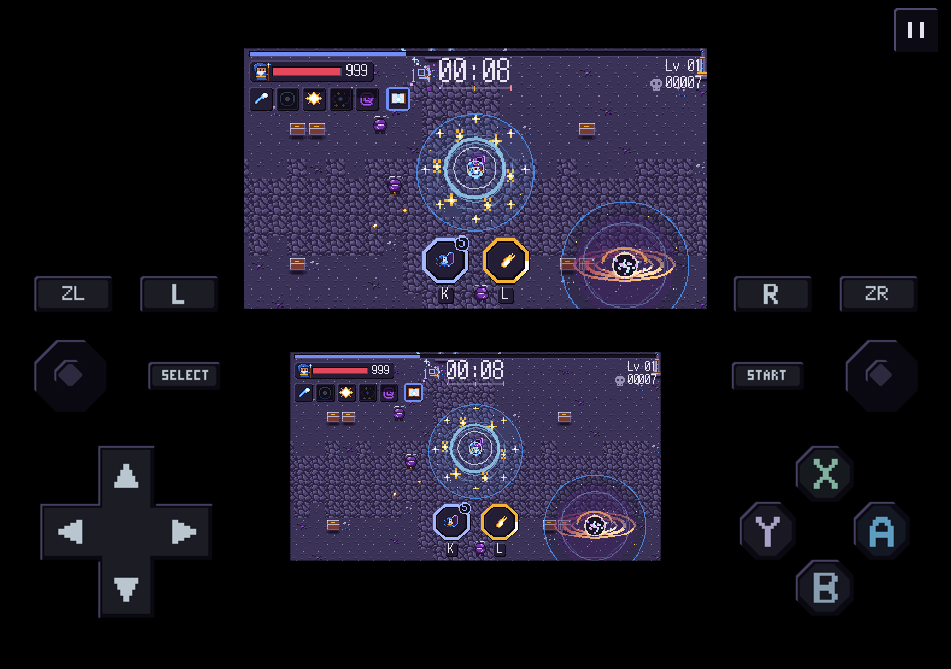
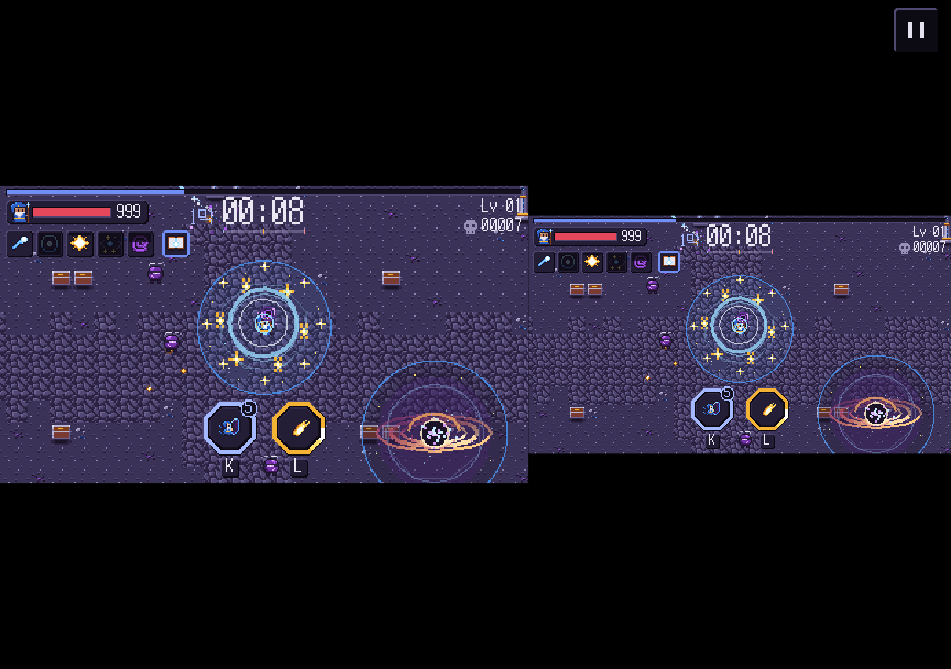
Previews of app 1.11.0, rendered for each device size and fold direction. The game scene is illustrative.
Game library
Keep games from different systems together. Search by name or pick a favorite.
Save and resume
Save a moment and pick up from there later. If you load the wrong save state, return to where you were before loading.
Controls that fit
Adjust the position and size of on-screen buttons. You can also use a controller for games and menus.
Korean fonts for PSP
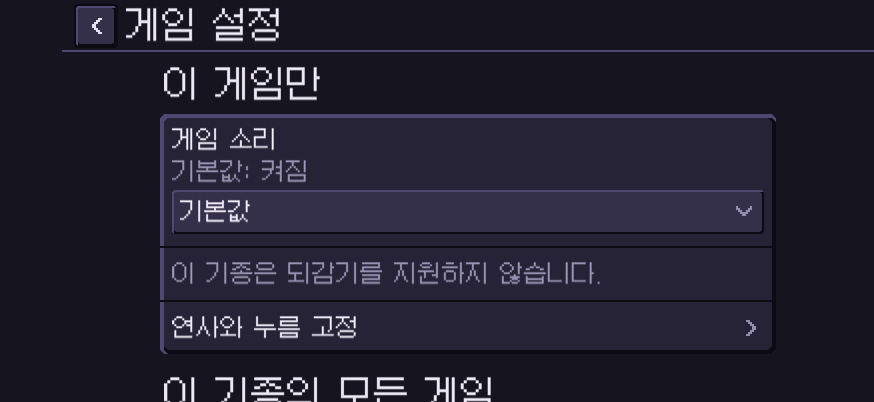
If Korean text is missing in a PSP game, try changing that game's font setting.
Start playing
Play game files you add to your library. N-EMU includes no games, so you need to supply your own files.
1. Import a game
Put your own game file on your device, then tap + in the library to import it.
2. Start the game
Tap a game in the library to start. After importing a single game, you can also start it from the import result.
3. Save and pick up later
Save the current scene from the pause menu. Load that save state next time to continue.
News
PS1 aspect ratio and 3DS system language
Fixed stretched PS1 graphics. Choose a system language, including Japanese, for each 3DS game.
- Development storiesv1.11.2Open beta
Fixing cheat-code paste and 3DS startup errors
We fixed two problems reported by email: only some cheat codes taking effect when pasted on one line, and 3DS games failing to start after deletion and reimport.
The person behind N-EMU
thorI’m thor, a developer who likes retro games. N-EMU began with a simple idea: make an emulator app of my own.
I spent about a month designing features before writing any code, working out which systems to include and how games would be chosen and saved. The screen is built from the pixel fonts and square buttons I like.
I learn by building what I love. I want to keep making services that carry my own taste.
Behind the design
The app and website share colors. Their Korean screens use the same pixel font too. Here's why the screens and buttons look this way.
Learn moreBring your own game files
Use game files you dumped yourself, and import only files you have the right to use. N-EMU supplies and downloads no games.
No sign-up
Play without signing up. The developer does not collect your library or play history.
Choose your own covers
Change a game's cover using a photo or file on your device.
Only saves go to Drive
Backups send only in-game saves and save states, never game files.